New Crop Formats: Cover Every Meta Placement with 1:1, 4:5 & 9:16
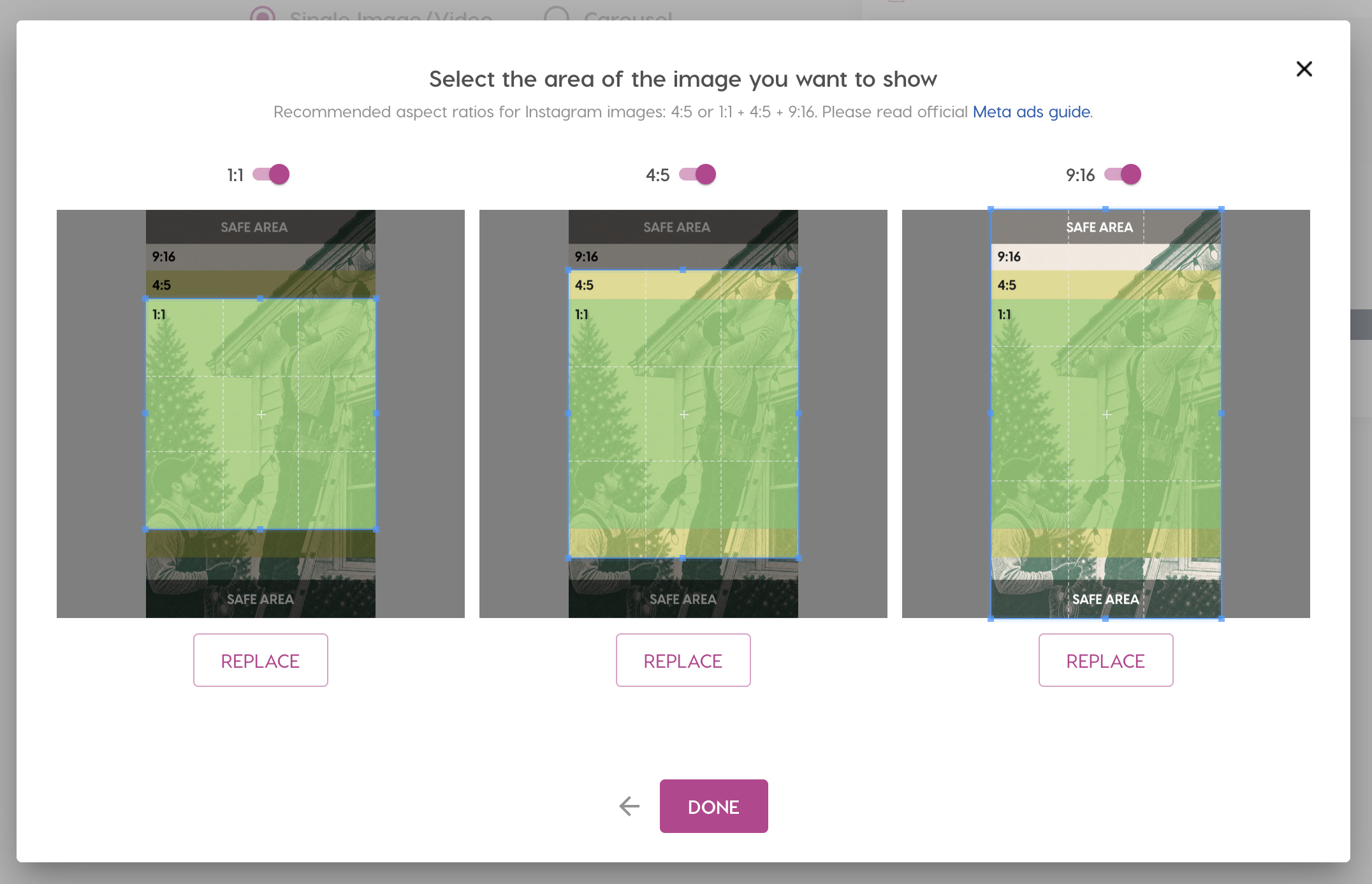
We’ve released a feature that a lot of you have been asking for: multi-format image upload. Your campaigns can now cover every Meta placement — including the ones that used to go unused or relied on auto-adapted images.
In short: Nanos now supports three image aspect ratios — 1:1, 4:5 and 9:16 — so a single campaign can run across every Facebook and Instagram placement, including Reels and Stories. Upload one image and use the built-in crop tool to adapt it to all three.
Three formats, every placement
Nanos now supports three image formats:
- 1:1 — the classic square, used across Facebook and Instagram feeds
- 4:5 — vertical, giving your creatives a bit of extra space on Instagram
- 9:16 — full-screen vertical for Instagram Reels and Stories
With this update, uploading a 9:16 image lets your campaign appear properly on Reels and Stories instead of being skipped or stretched — which effectively increases your reach.
What image sizes do Facebook and Instagram ads need?
Here’s how the three formats map to placements across Meta:
| Format | Aspect ratio | Where it appears | Recommended for |
|---|---|---|---|
| Square | 1:1 | Facebook & Instagram feeds | Facebook (minimum) |
| Vertical | 4:5 | Instagram feed (extra vertical space) | Instagram feed |
| Full-screen | 9:16 | Reels & Stories (Instagram + Facebook) | Reels & Stories reach |
Meta’s own recommendation is 1:1 or 1:1 + 9:16 for Facebook, and 4:5 or 1:1 + 4:5 + 9:16 for Instagram. For the full placement specs, see Meta’s official image ads guide.
Choosing your crop
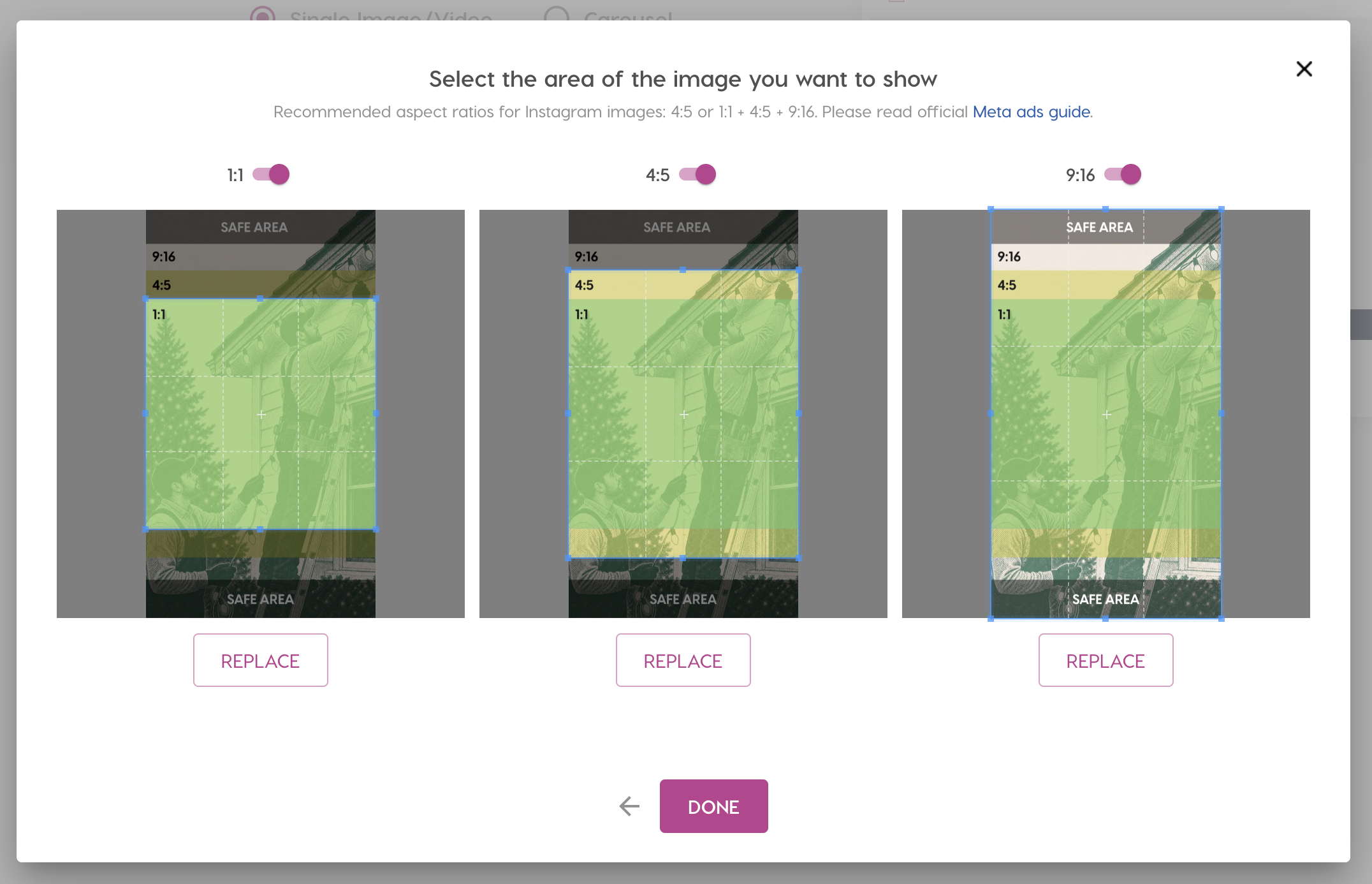
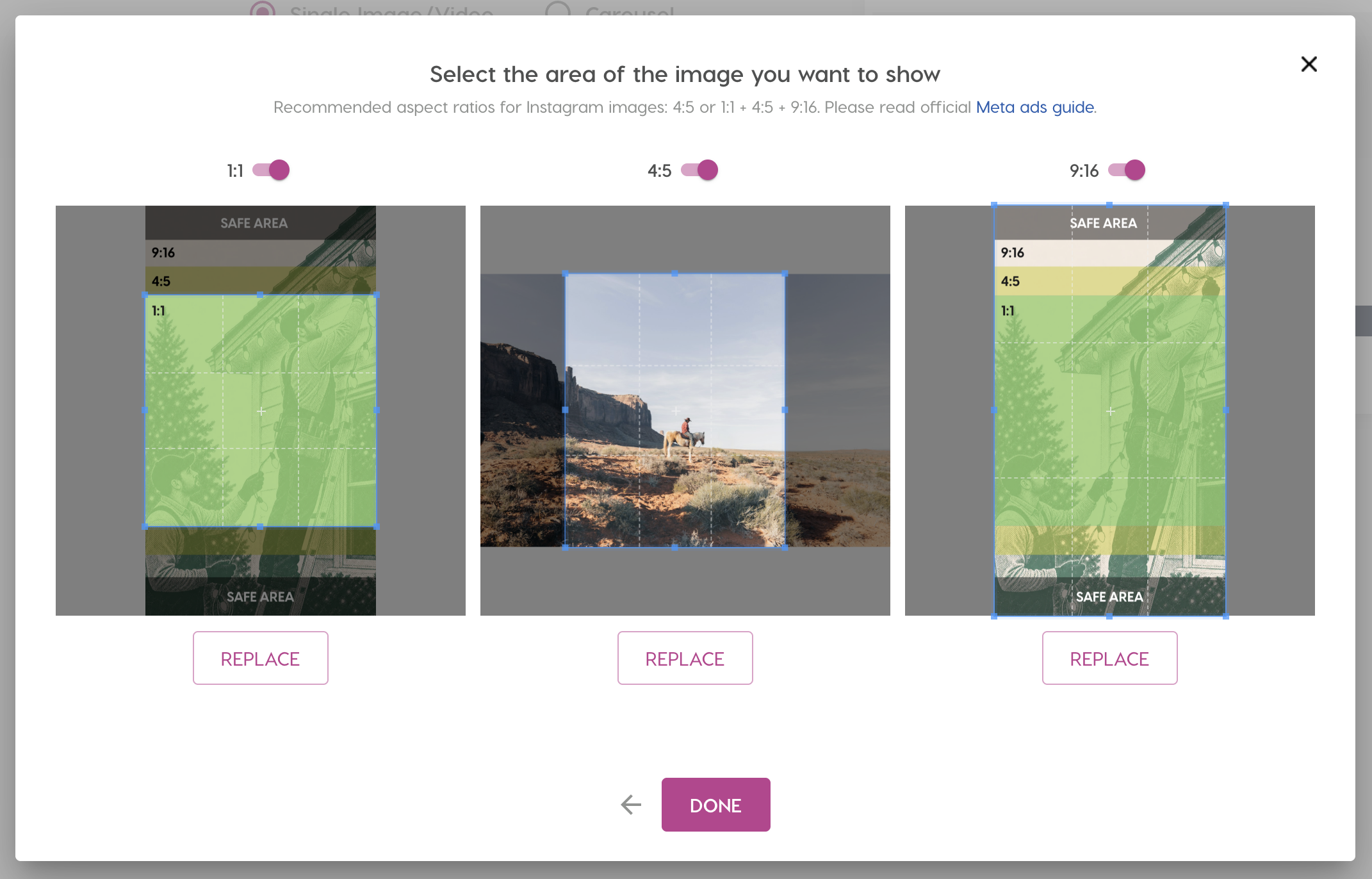
After you upload or select an image, you’ll see a screen where you can pick exactly which part of the image to show for each format.
For Facebook, the recommended aspect ratios are 1:1 or 1:1 + 9:16:
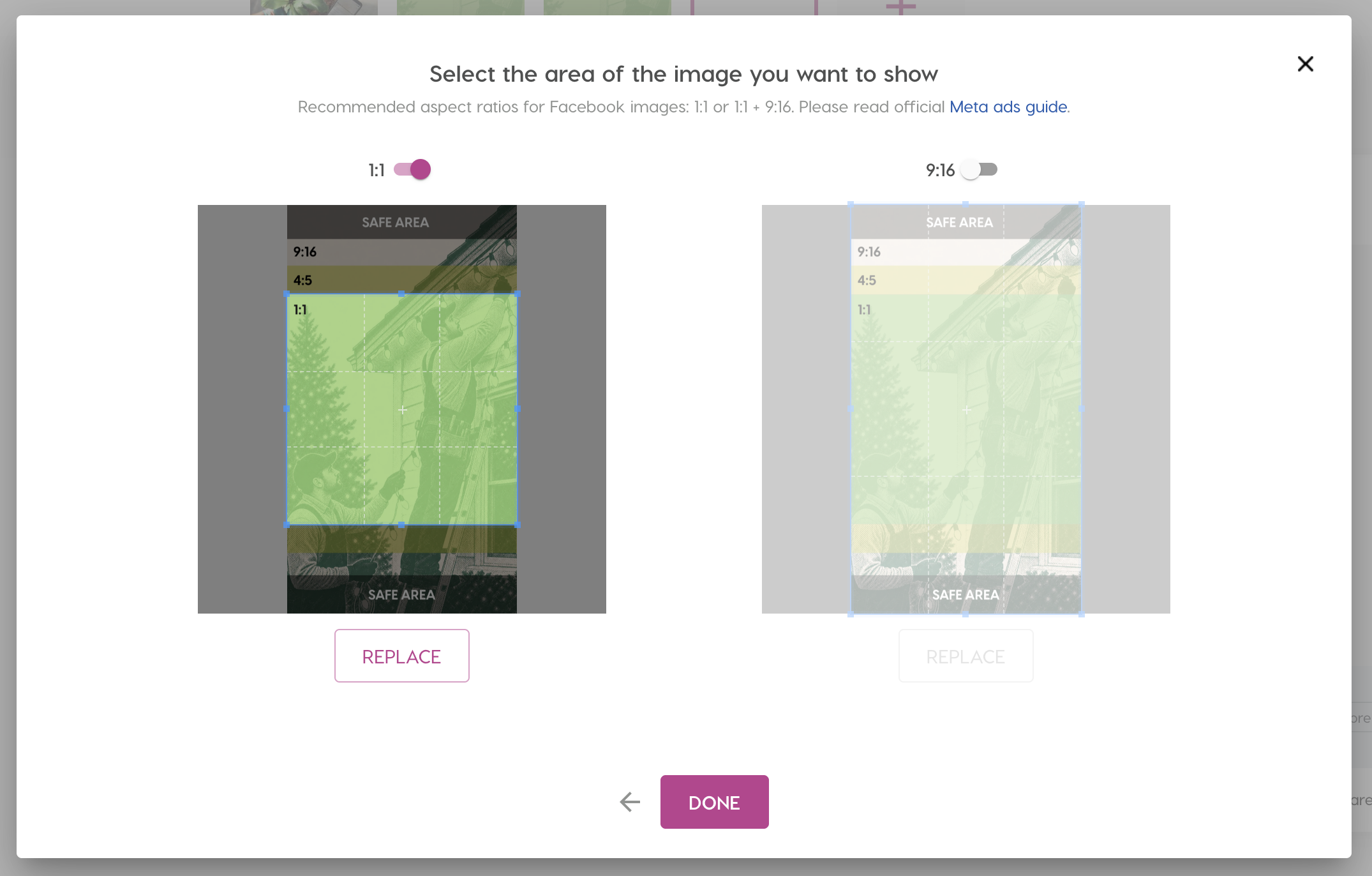
By default, you can run your campaign with the 1:1 format only — but we strongly recommend also enabling a 9:16 image so you don’t miss Reels and Stories.
For Instagram, you can go further with 4:5 or the full 1:1 + 4:5 + 9:16 set. The 4:5 format gives your creatives a bit of extra vertical space:
Reading the safe area
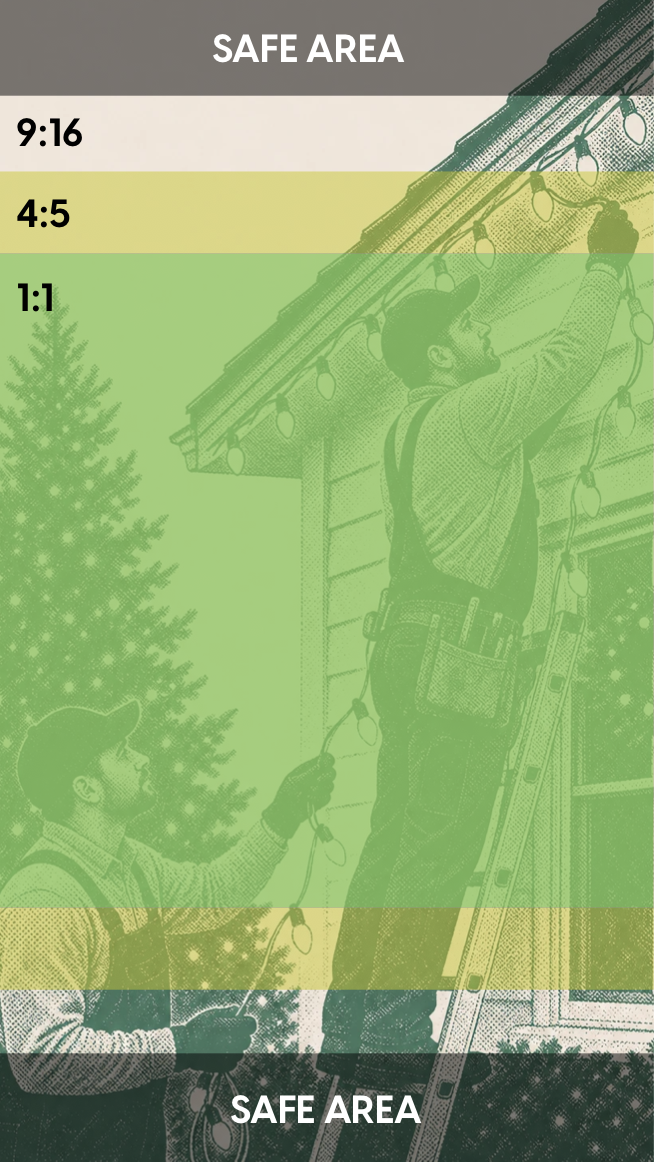
Each format shows a safe area overlay. It highlights the zones that stay visible across placements, with the nested 1:1, 4:5 and 9:16 regions marked. Keep your main subject — and any text — inside the safe area so nothing important gets cropped on any placement.
Use a different image for each format
You’re not limited to one source image. If a particular placement would look better with its own visual, just click “Replace” under that format and upload a different image:
Our recommendation
For the best results with the least effort: create a single image and use the Nanos crop tool to adapt it to all formats. One upload, every placement covered.
We hope this feature helps you get awesome results. As always, reach out to us if you have any questions or would like more information.
Frequently Asked Questions
- Nanos supports three formats: 1:1 (square), 4:5 (vertical) and 9:16 (full-screen vertical). Together they cover every Meta placement across Facebook and Instagram.
- No. You can run a campaign with the 1:1 format alone. But we strongly recommend adding a 9:16 image so your ads also appear on Instagram Reels and Stories. The easiest way is to upload one image and use the Nanos crop tool to adapt it to every format.
- Yes. In the crop screen, click “Replace” under any format to swap in a completely different image for that placement.
- The safe area marks the zones that stay visible across placements. Keep your key subject and any text inside it so nothing important gets cropped out on any format.